


SPECIFICATIONS
App Setting: Yes
Battery Included: Yes
Brand Name: Roreta
Camera Integration: No
Category: Handheld Gimbals
Certification: CE,FCC,RoHS
Charging for Mobile Device: No
Choice: yes
Communication: Bluetooth
Configured For: Smartphones,action photo cameras
Feature: Following the shooting mode,Face Recognition
High-concerned chemical: None
Material: aluminum
Max Controllable Speed: 42°/S
Origin: Mainland China
Package: No
Panning Angle: 320
RORETA Model: ZPGPS
Rolling Angle: 180
Size: 228*95*95
Support Remote Control: No
Supported Mobile Device Max Size: 65-95
Titling Angle: 270
Type: handheld gimbal
Vertical Shooting: Yes
Weight (g): 260
of Axes: 1-Axis
semi_Choice: yes
P03 Mobile Universal Joint Stabilizer AI 360 Tracking Selfie Stand Facial Tracking Mobile and Camera Desktop Universal Joint
Why choose P03 desktop follow universal joint
--Featuring a 1/4 threaded interface It can be used with a camera.
- The bottom has a 1/4 inch screw hole that can be connected to a tripod. (Tripods require additional ordering)
- Intelligent 360 ° facial recognition tracking.
- Detachable phone clip.
- No application required.
- Using iFlytek AI chip algorithm to track real intelligence and provide a better experience.
- Intelligent gesture recognition.
- The phone supports 360 ° horizontal and vertical shooting, front and back shooting 180 ° Era
-- Up and down adjustable lens for easy shooting
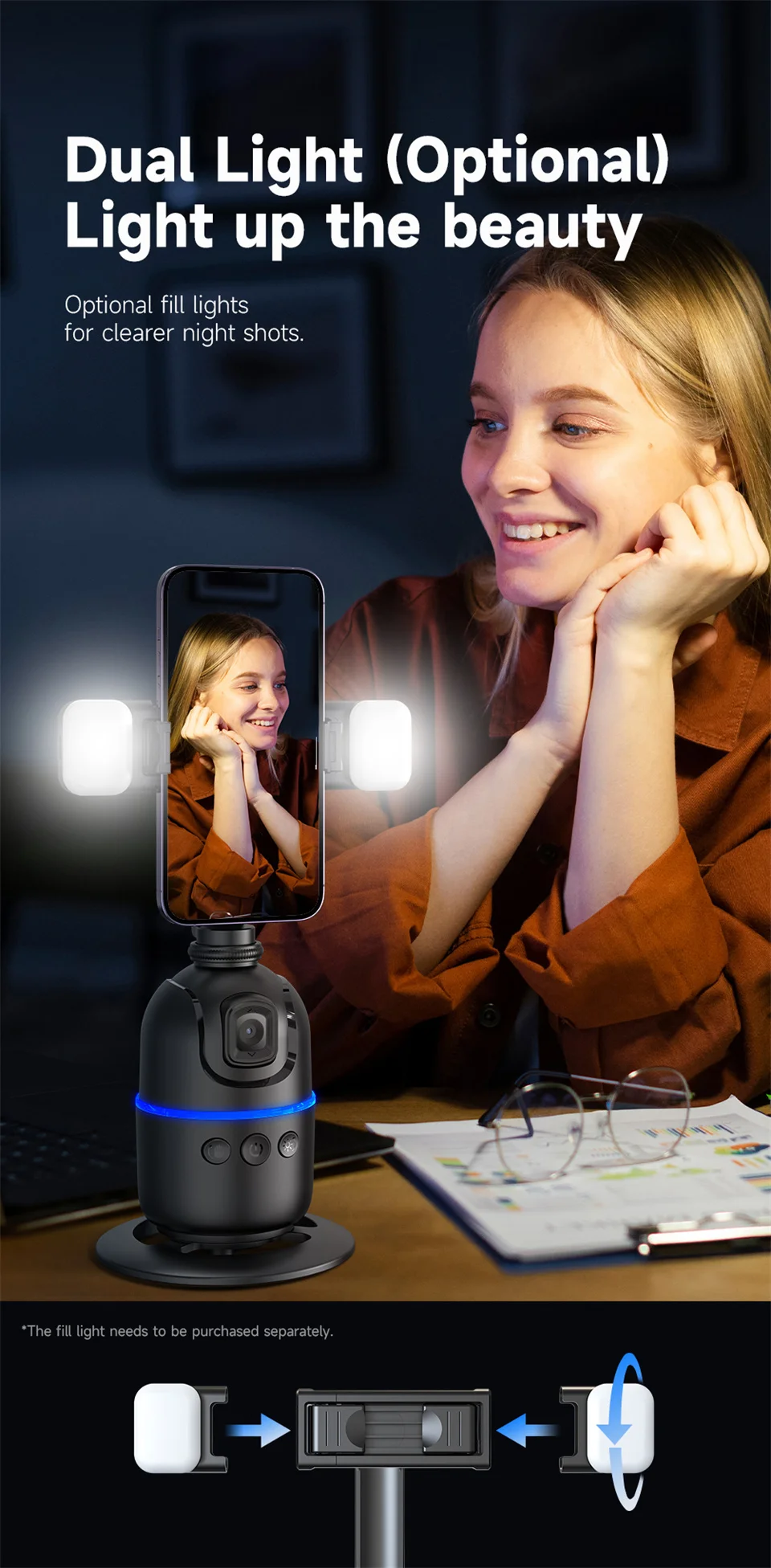
-- The colored light displays the status of the universal joint.
P03 Product Description:
Product size: 228x95x95mm (including base)
Color: Black
Weight: 260g (P03 only)
Battery Capacity: 1200mAh Charging
Current: 1.0 Operating
Current: 100mA~800mA
Operating Current: 2HP
Power Consumption: 3.0
Rated Voltage: 3.7V
Optimal Distance: 1-3mm
Tracking Mode: Facial Recognition
Gesture Operation: Gesture Recognition
Material Meter: ABS+PCT
Phone Size: 65-95mm
Phone clip: 360 ° horizontal and vertical switch, 180 ° flip back and forth
Please note that:
1. Supports phone sizes: 65-95mm
The following functions of P03 depend on the lens itself to recognize faces, so when using it, please adjust the height and height of P03 lens so that P03 can capture and track faces.
2.If you want to shoot upright, you need to place P03 at a relatively high position or use a tripod (tripod must be purchased separately, you can order selfie stick tripods K28 and L16 in our store), or adjust the lens angle of P03 upwards.
3. Whether it is pre-sales, sales, or after-sales issues, please contact our customer service first for answers or solutions.
Don't worry, the official Roreta store will provide you with thoughtful customer service. Whether it's logistics, product usage, or quality issues for you! Thank you for your understanding!




As described in our Privacy Policy, we collect personal information from your interactions with us and our website, including through cookies and similar technologies. We may also share this personal information with third parties, including advertising partners. We do this in order to show you ads on other websites that are more relevant to your interests and for other reasons outlined in our privacy policy.
Sharing of personal information for targeted advertising based on your interaction on different websites may be considered "sales", "sharing", or "targeted advertising" under certain U.S. state privacy laws. Depending on where you live, you may have the right to opt out of these activities. If you would like to exercise this opt-out right, please follow the instructions below.
If you visit our website with the Global Privacy Control opt-out preference signal enabled, depending on where you are, we will treat this as a request to opt-out of activity that may be considered a “sale” or “sharing” of personal information or other uses that may be considered targeted advertising for the device and browser you used to visit our website.